
Troubleshooting
Why Does My Monitor Go Black for a Second? Causes and Fixes
Your monitor is briefly losing its signal, usually from a loose cable, a refresh rate, HDR, or VRR handshake, or a graphics driver reset.
Your monitor is briefly losing its signal, usually from a loose cable, a refresh rate, HDR, or VRR handshake, or a graphics driver reset.
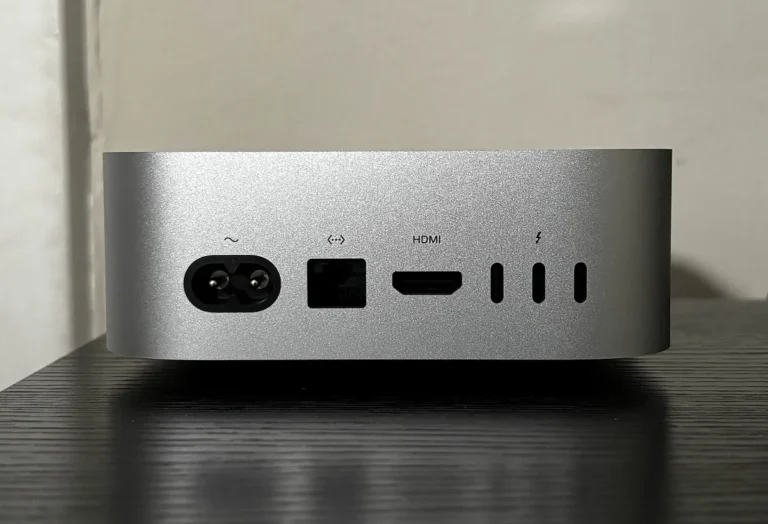
Use the Vizio HDMI port labeled 4K@120 or HDMI 2.1. No labels? Most inputs do 4K60 once you turn on Full UHD Color for that port.
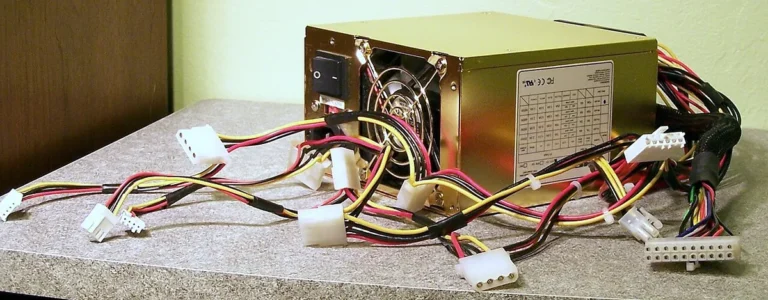
A GTX 980 needs at least a 500W power supply with two 6-pin PCIe connectors. A quality 550 to 650W unit gives most builds comfortable headroom.
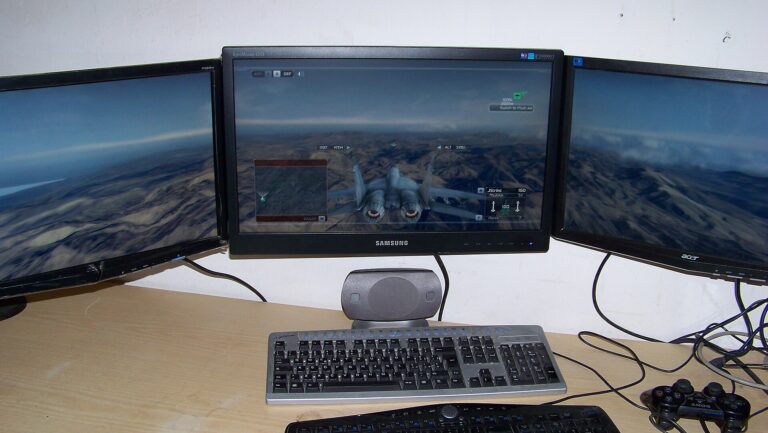
Set the second monitor as your main display in Windows. Full-screen Steam games open there. Or use the game’s monitor setting or a launch option.
Most PCs with HDMI 2.0 or DisplayPort 1.2 can run a 4K desktop at 60Hz. 4K gaming needs a high-end GPU with about 16GB of video memory.