
Setup
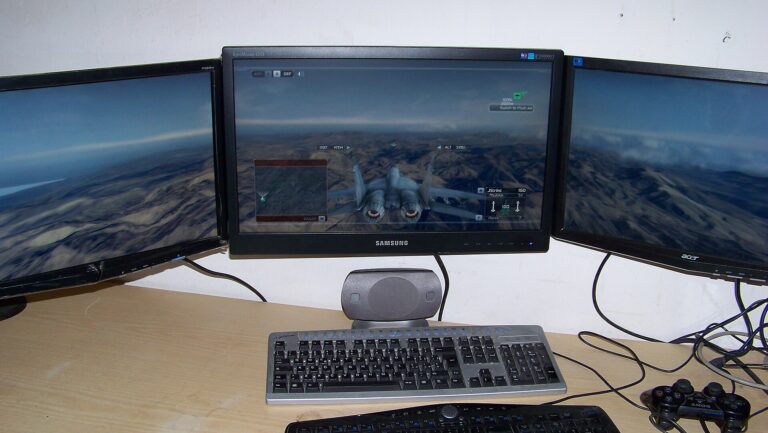
How to Make Steam Games Open on Your Second Monitor
Set the second monitor as your main display in Windows. Full-screen Steam games open there. Or use the game’s monitor setting or a launch option.
Set the second monitor as your main display in Windows. Full-screen Steam games open there. Or use the game’s monitor setting or a launch option.
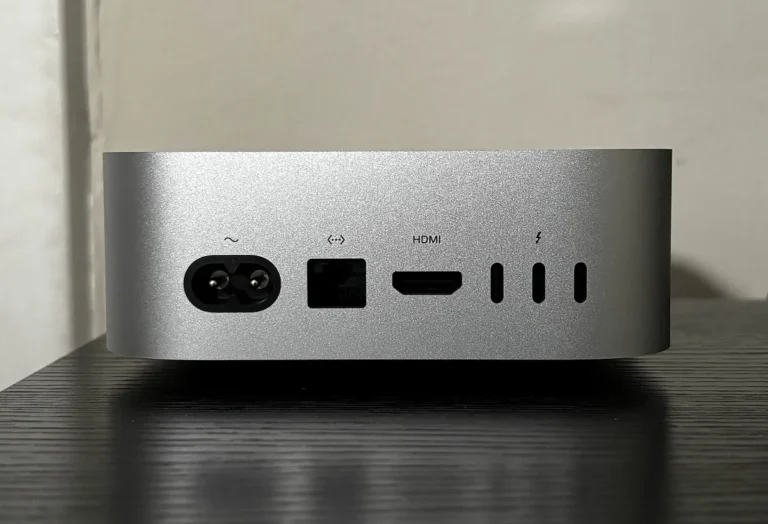
Use the Vizio HDMI port labeled 4K@120 or HDMI 2.1. No labels? Most inputs do 4K60 once you turn on Full UHD Color for that port.